
PublishedFreeProductivityChrome

CSV Editor
4.1 · 7 ratings4.1 · 7 ratings
Upload, view, edit, and download CSV files directly from Chrome.
About this extension
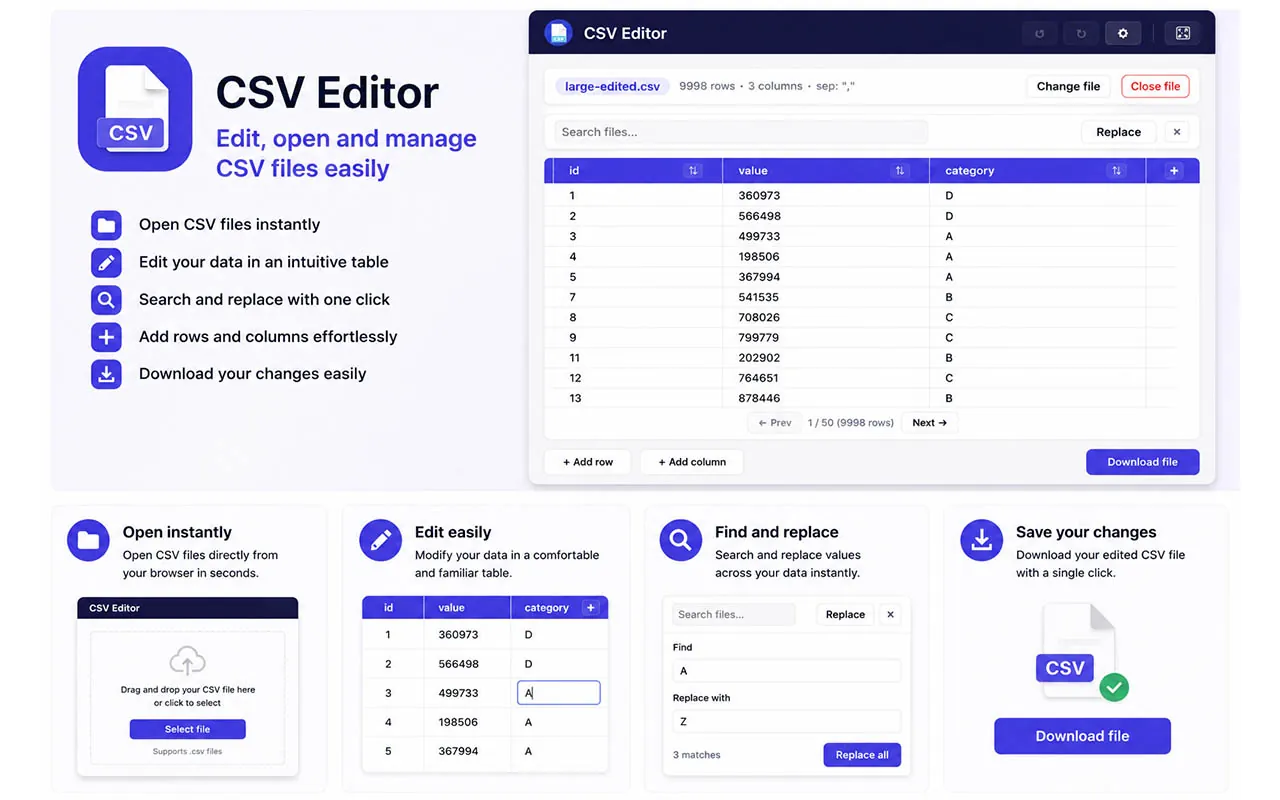
CSV Editor lets you open, view, create, and edit .csv files in the browser,
then download the updated file to your computer.
Perfect for quick changes without opening Excel or another spreadsheet app.
Includes an editable table, search and replace, drag-and-drop reordering,
automatic separator detection, full-screen mode, and multi-language support.
Features
Table editing
Edit cells, rows, and columns directly in Chrome.
Search and replace
Find and replace values across the whole file.
Automatic separators
Detects "," or ";" and preserves format on save.
Large files
Pagination, undo/redo, and full-screen mode.
Screenshots
FAQ
Is it free?
Yes. You can install CSV Editor from the Chrome Web Store at no cost.
Do I need Excel?
No. Edit the CSV in the browser and download it when you're done.
Which languages are supported?
English, Spanish, German, French, and Chinese.
Install it in Chrome
Available on the Chrome Web Store. One click and you’re set.