

Remote for DJI Osmo 360
Wear OS remote for your DJI Osmo 360: record, switch modes, and shoot 360° from your watch, with your phone in a pocket.
About this app
Your DJI Osmo 360, with the shutter on your wrist.
Remote for DJI Osmo 360 turns a Wear OS watch into the camera remote. One tap to record, another to stop, and modes within reach when the shot changes. Made for people filming on the move who want the phone in a pocket.
The remote, on your watch
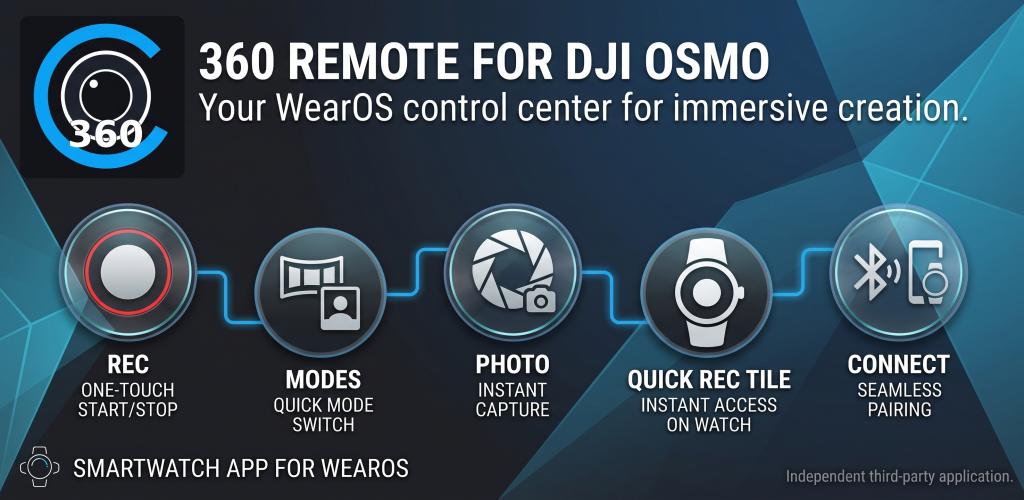
- Start and stop the shot with one tap, in 360 video or photo.
- Switch modes on the spot: 360 Video, Selfie, Vortex, 360 Photo, and Quick Switch.
- Check resolution, battery, free space, and how much record time you have left.
- Start recording from the Wear OS Tile, or open the app from a watch face complication.
- Connect over Bluetooth with a light, fast interface made for the wrist.
More shots and fewer interruptions. Control of your 360° footage sits where you already look: on your watch.
Remote for DJI Osmo 360 is an AF Roda Development app for Wear OS, available on Google Play. DJI and Osmo are trademarks of their respective owners.
Features
One-tap recording
Start or stop the shot instantly with the large button on your watch.
Osmo shooting modes
360 Video, Selfie, Vortex, 360 Photo, and Quick Switch, without letting go of the camera.
Camera status
Battery, storage, photos left, and video time, on the same screen.
Photo and video
Move between photo and video on your wrist and pick the format for the moment.
Wear OS tile
One swipe, and the Tile puts recording one tap away.
Watch face complication
Open the remote from your favorite watch face, without hunting through the app list.
Screenshots
Video
FAQ
How do I control a DJI Osmo 360 from a Wear OS watch?
Install Remote for DJI Osmo 360, connect the camera over Bluetooth, and use the watch as the remote. From your wrist you record, stop, and switch modes, with the record button one tap away.
Which Osmo 360 modes can I switch from the watch?
You can move between 360 Video, Selfie, Vortex, and 360 Photo, and use Quick Switch to cycle the modes you have set up on the camera.
Can I see battery and free space on the watch?
Yes. The watch shows battery, storage, photos left, and remaining video time, along with the active resolution, such as 8K/30.
Do I have to take out my phone to record?
The watch is the remote. You record, switch modes, and check camera status from your wrist, with your phone in a pocket.
Can I record from the Tile or the watch face?
Yes. The Wear OS Tile shows the mode and a tap to record. The complication opens the remote straight from your watch face.
Do I need DJI Mimo to use the watch remote?
This app is the remote. To connect right away, close DJI Mimo or any other app using the camera’s Bluetooth and the watch takes over.
Who makes Remote for DJI Osmo 360?
AF Roda Development. It is an independent Wear OS app, made to put Osmo 360 control on your wrist and available as a purchase on Google Play. DJI and Osmo are trademarks of their respective owners.
Legal
Legal documents for this app, hosted on afroda.dev.